

Financing
RIDE NOW, PAY LATER
Choose your financing option:

Shop Pay offers you the option to pay in full at checkout, or to split your purchase into regular payments with Shop Pay Installments. Simply select Shop Pay at checkout to get started.
Rates from 0%-36% APR. Payment options through Shop Pay Installments, are subject to an eligibility check and are provided by these lending partners: affirm.com/lenders. Options depend on your purchase amount, and a down payment may be required. State notices to consumers https://www.affirm.com/licenses.

Shop your favorite stores online or in-store and pay later with Affirm. You’ll see us at checkout, or you can request a virtual card in the Affirm app. Simply select Affrim at checkout to get started. Click here to learn more about Affirm
Your rate will be 0-36% APR based on credit, and is subject to an eligibility check. For example, a $700 purchase might cost $63.18/mo over 12 months at 15% APR. Payment options through Affirm are provided by these lending partners: affirm.com/lenders. Options depend on your purchase amount and a down payment may be required.
SKIP THE LINE
Checkout instantly with Express Checkout:
Pre-fill shipping and payment information using your Apple Pay, Google Pay, PayPal, Shop Pay, or Meta Pay account. Simply select your preferred payment provider at checkout to get started
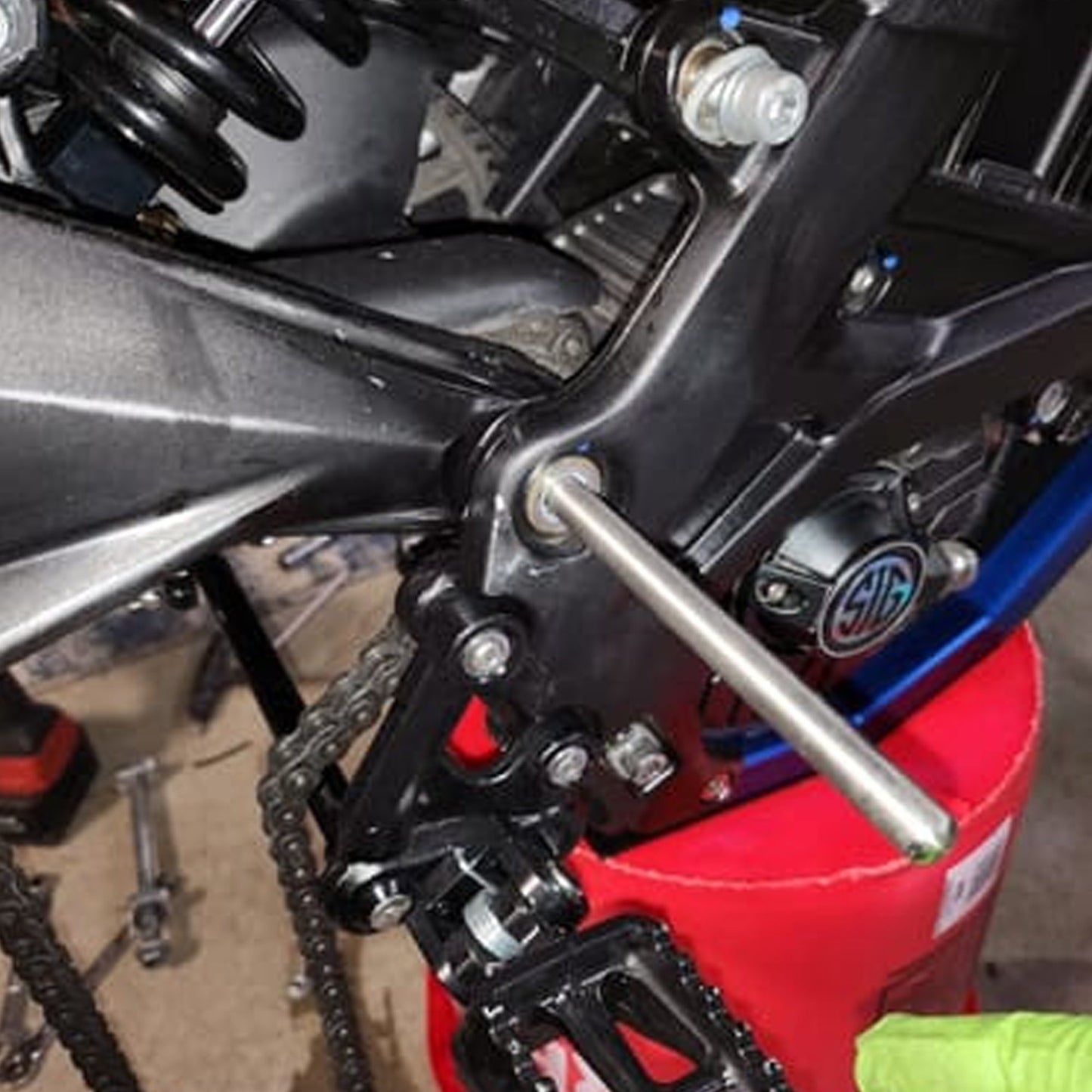
Fitment: DirtyBike Midshaft Alignment Tool | Sur-Ron Light Bee and E Ride Pro
- Surron Light bee S
- Surron Light Bee X
- Segway X160
- Segway X260
- Eride Pro
- Eride pro S
- Eride pro SS
- Eride pro SS 2.0
- Eride pro SS 3.0
- Talaria XXX
- 79bike Falcon-M
- 79 bike Falcon GT
- 79 bike Falcon Pro
- Surron Light bee 2
- Ventus one
- Rerode R1
- ReRode R1+
- Eride pro SS 4.0
- Eride pro SR
- Rerode Ewatt 2.0
- Ventus one+ Evo
- Ventus one+ plus
This product may be compatible with more models than shown above. Please see the product description for full details, or contact us for help with fitment.